
How to Make Product ID Barcode on the Label
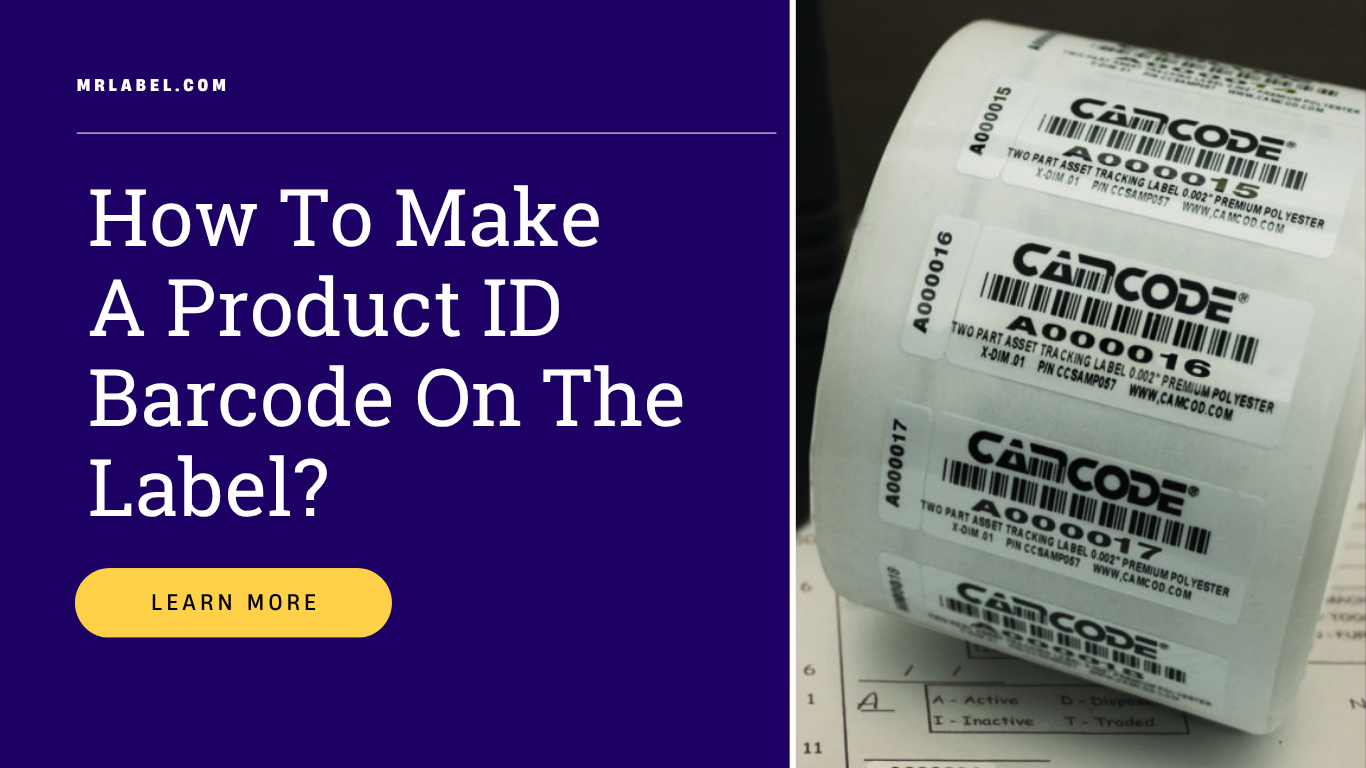
Launching a new product in the market is not simple. It requires you to manage several factors beyond production. Labeling is one of them, and within the labeling domain, there are various things you need to take care of.
You need to facilitate your customers to purchase the product easily. This is possible if you include barcode labels. With barcodes on your labels, point-of-sales scanning gets easier for your customers and the store, increasing your opportunities to showcase your new product even in reputed superstores.
Steps to Make Product ID Barcode Labels
Getting your barcode and printing it on the label is straightforward. You must know what your product is and which category it belongs to—food, beverage, cannabis, health, supplements, etc. There are sub-categories as well that you should be aware of.
Step 1: Create Your Product Code
The product code is a unique combination of symbols and sequences associated with your product. It consists of two types:
UPC (Universal Product Codes)
- Globally recognized codes
- Consist of 8-12 digits (numeric only)
- Include bars that are readable at Point of Sales
- Required for most retail environments
SKU (Stock Keeping Units)
- Often used internally within the organization
- Typically have eight digits
- Can include letters and numbers
- Useful for inventory management
Step 2: Make Your Barcode
Once you have your UPC set up, you need to convert it to a barcode format. There are several ways to do this:
- Online barcode generators - Free tools that convert your UPC to a barcode image
- Barcode software - More robust solutions for businesses with ongoing needs
- Professional services - Label printers can often generate barcodes as part of their service
The barcode generator will create an image file that can work in point-of-sale systems.
Step 3: Print Your Barcode Labels
Now you have barcodes ready, you need to print them. The most common methods:
Laser Printers
- Good for small batches
- Produces crisp, scannable barcodes
- Works with standard label sheets
Inkjet Printers
- Suitable for low-volume printing
- May require specific label materials for best results
Thermal Printers
- Ideal for high-volume barcode printing
- Produces durable, smudge-resistant barcodes
- Often used in professional label printing
Step 4: Apply Labels to Your Products
The final step is applying the barcode labels to your products:
- Use appropriate adhesives for your packaging type
- Consider the material and environment
- Ensure the barcode is placed where it can be easily scanned
- Avoid placement on curved surfaces where scanning may be difficult
Best Practices for Barcode Labels
Size and Placement
- Ensure the barcode is large enough to scan reliably
- Place on flat surfaces when possible
- Avoid placing near edges or folds
Print Quality
- Use high-quality printing to ensure scannability
- Test barcodes with a scanner before full production
- Maintain adequate contrast between bars and background
Material Considerations
- Choose materials appropriate for your product’s environment
- Consider waterproof options for refrigerated or frozen products
- Ensure labels won’t peel or fade during the product’s lifecycle
Conclusion
Adding barcodes to your product labels enables efficient point-of-sale transactions and inventory management. By following these steps—creating your product code, generating the barcode, printing on quality labels, and proper application—your products will be ready for retail environments.
Ready to Start Your Label Project?
Our team of experts is ready to help bring your vision to life.
Request a Quote